TV Clasica not working: step-by-step diagnosis and fixes
If TV Clasica will not open, keeps loading, or buffers, do not download another APK immediately. Separate installation, network, cache, version, and service availability with this reversible checklist.
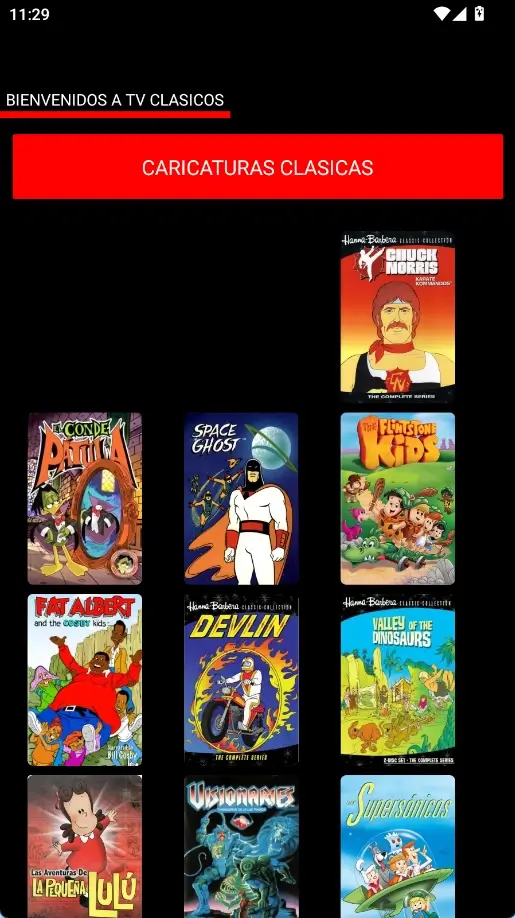
Quick answer: identify the failure before reinstalling
Test another app and another TV Clasica section first. If all internet apps fail, fix the network. If only one category fails, wait or choose another stream. If the app cannot open, check cache, storage, permissions, and Android compatibility.
The listing checked on August 19, 2026 still shows version 100 (external listing reference), 8.5–18.6 MB (external listings), and Android 5.1+. Use those facts to compare files, not as a promise that every stream is available.
Safe order
Network → app → version → reinstall
Avoid
MOD APKs and unverified links
Goal
Recover the app without losing data
Diagnostic facts
The listing checked on August 19, 2026 still shows version 100 (external listing reference), 8.5–18.6 MB (external listings), and Android 5.1+. Use those facts to compare files, not as a promise that every stream is available.
What each symptom usually means
“Not working” can describe several unrelated failures. Match the symptom before choosing a fix.
App will not open
Force stop it, restart the device, and clear cache only. Check Android compatibility if the system reports an error.
Keeps loading
Try a different network and category. One failed stream usually does not mean the APK is broken.
Closes by itself
Free storage and memory, update system components when available, and close heavy background apps.
No picture or sound
Check volume, HDMI output, device decoding, and another video to isolate playback problems.
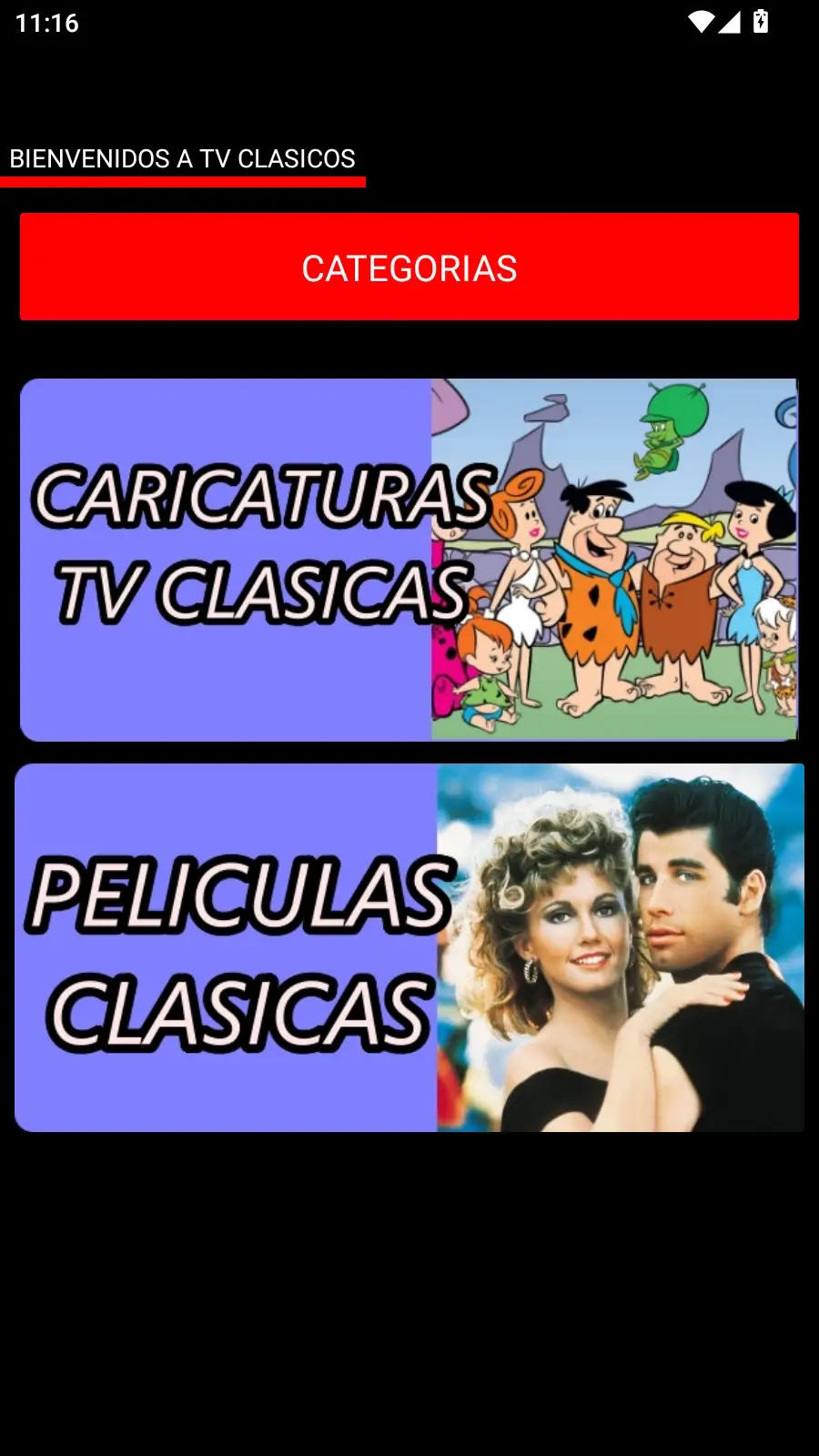
Recommended troubleshooting flow
Move from low-impact checks to reinstalling. Stop as soon as playback returns.
Check internet and system time
Open another streaming app, restart the router if needed, and use automatic date and time.
Try another section
Open at least two categories. Do not erase data because one stream is unavailable.
Force stop and clear cache
Use Settings > Apps > TV Clasica. Clear cache, but keep app data for now.
Restart and free storage
Keep at least 500 MB free, restart, and test without a slow VPN or aggressive blocker.
Compare the installed version
Check version, size, Android requirement, package, and signature before replacing the file.
Reinstall only at the end
Remove a damaged copy and reinstall from the source you verified. If many streams remain down, wait before repeating.
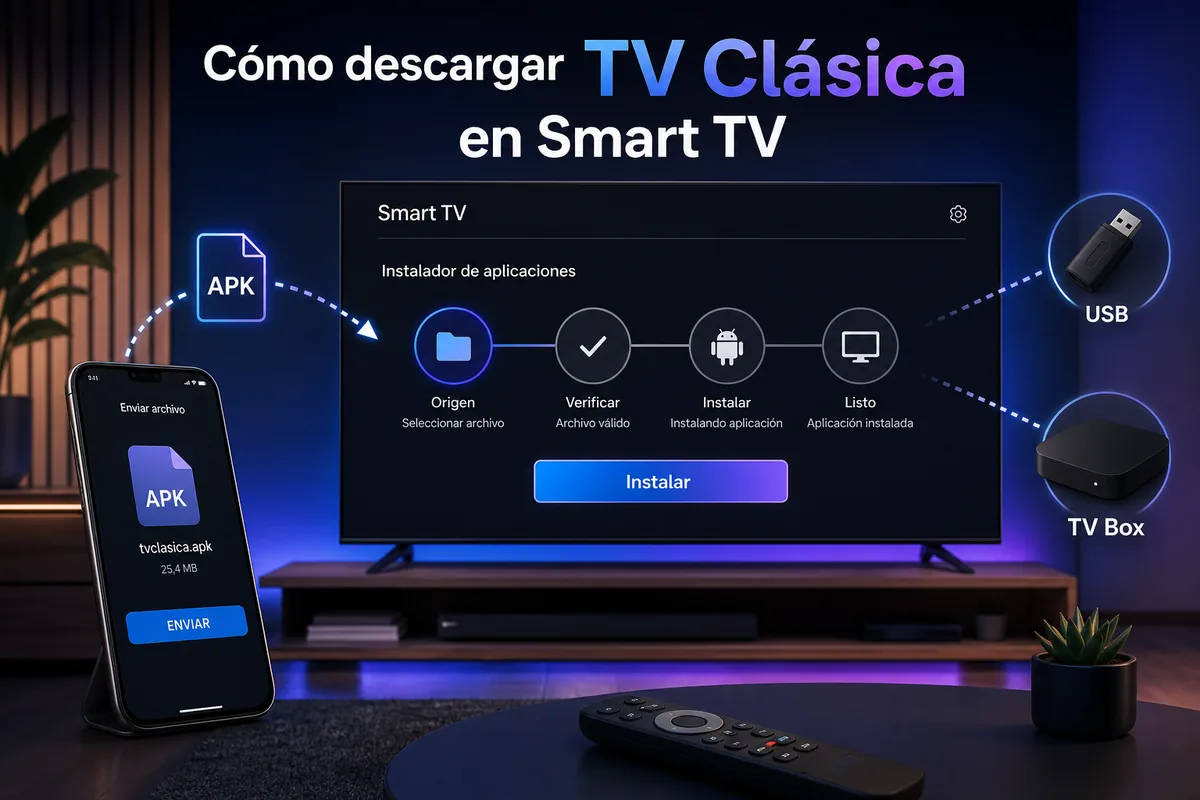
Fixes by device
Controls, operating system, memory, and connection options change the diagnosis.
Android phone
Switch between Wi-Fi and mobile data, clear cache, and review battery or background-data restrictions.
Android TV or TV Box
Power-cycle the device, test Ethernet, and review storage, remote control, and unknown-source permissions.
Fire TV
Close background apps, restart from settings, and make sure Downloader did not leave a partial APK.
Samsung or LG without Android
Tizen and webOS cannot run Android APK files directly; use a compatible external device.
Quick diagnostic matrix
Move from low-impact checks to reinstalling. Stop as soon as playback returns.
| Symptom | Immediate test | Next action |
|---|---|---|
| Will not open | Restart and force stop | Clear cache and check Android |
| Infinite loading | Change network and category | Wait or check service |
| App closes | Free memory | Reinstall only if persistent |
| No sound | Try other content | Check audio output |
| Install error | Compare version and signature | Delete partial file |
Common errors and fixes
This page diagnoses an installed app; download, update, and device installation intents remain on their dedicated guides.
“App not installed”
The file may be incomplete, differently signed, or incompatible. Delete the failed download and return to a verified source.
Black screen
Wait, change content, and restart. If every item fails, check network, decoding support, and version.
Buffering channels
Move closer to the router, use 5 GHz or Ethernet, and pause other downloads. No bitrate is guaranteed.
Still not working
If other apps work but several sections fail on multiple devices, an external outage is possible. Avoid repeated installs.
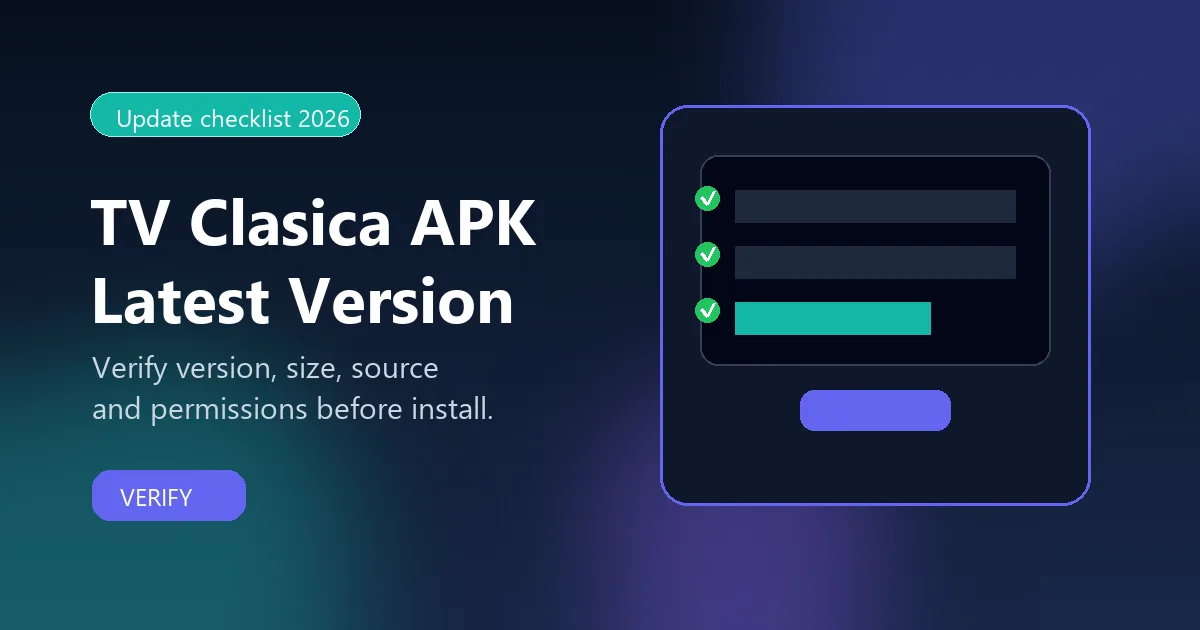
Common errors and fixes
Recommended troubleshooting flow
Choose the page matching your next action so troubleshooting, download, and installation do not overlap.
TV Clasica APKAvoid
This is an unofficial informational guide. tvclasica.blog does not control the app or stream availability. Install only files from a source you can verify and follow local law.