Classic Movies and Retro Series APK: Choose, Install, and Avoid Risky Files
If you want an APK for old movies, vintage series, or retro TV content, do not install the first file you find. This guide separates content intent, device fit, and safety checks so you know when TV Clasica fits and when to compare other legal options.
Quick answer: what a retro APK search usually means
Most people mean a lightweight Android app for older films, vintage TV shows, live classic channels, or nostalgic catalogs on a phone, Smart TV, or TV Box. TV Clasica can fit when the need is classic content plus manual APK installation guidance.
The main risk is not the word retro; it is the file. Entertainment APKs can be modified, over-permissioned, or advertised with catalogs that change without notice. Use this page as a practical filter before downloading.
Content first
Check whether you need classic movies, live channels, old series, or a mixed catalog.
Right device
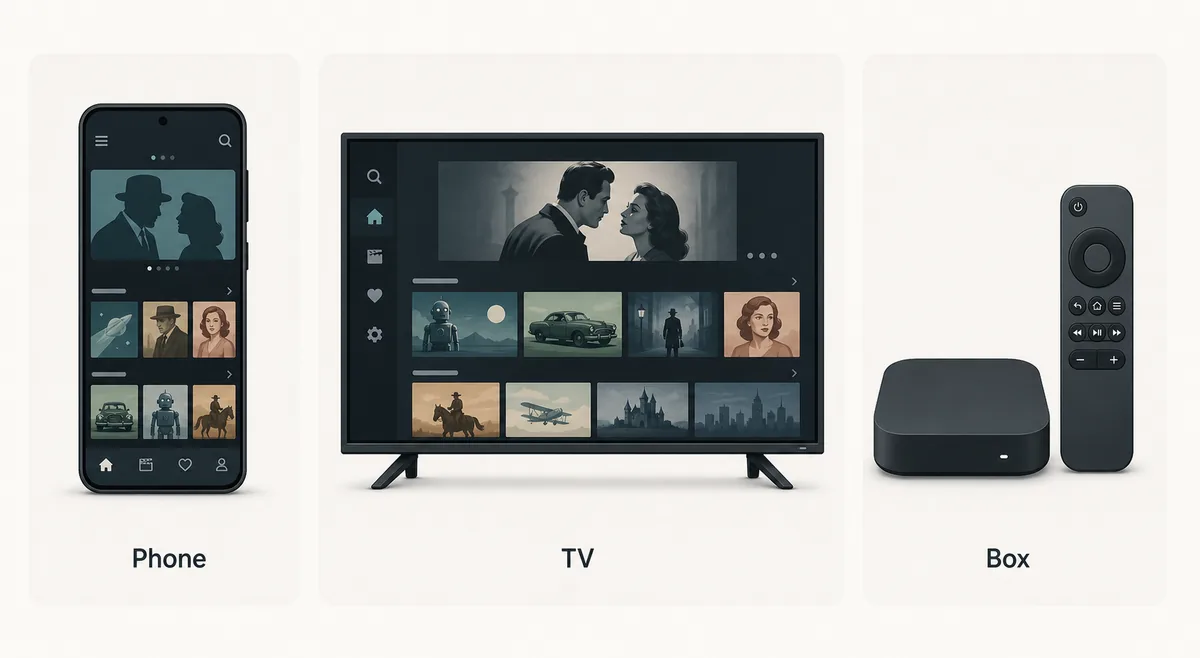
Phone, Android TV, Fire TV, Google TV, and TV Box installs behave differently.
Verifiable source
Review name, version, size, permissions, and reputation before installing.
Key facts before choosing
Use this guide as a pre-install filter. If you already chose TV Clasica, return to the main page for version and steps.
Which page or action matches your search
Not every retro movie APK search needs a new download. Use this table to choose the right next step without duplicating installs.
| Need | Best action | Reason |
|---|---|---|
| I want TV Clasica APK for classic content | Use the main page | The intent is download, version, and general TV Clasica setup. |
| I want retro movies on a phone | Use the mobile guide | You need Android permissions, Play Protect, storage, and install-error checks. |
| I want it on Smart TV or TV Box | Use the Smart TV guide | The hard part is sideloading, remote control, and Android TV compatibility. |
| I searched for a generic retro APK | Use this checklist | Compare source, permissions, catalog claims, and risks before installing. |
How to evaluate a classic movie APK
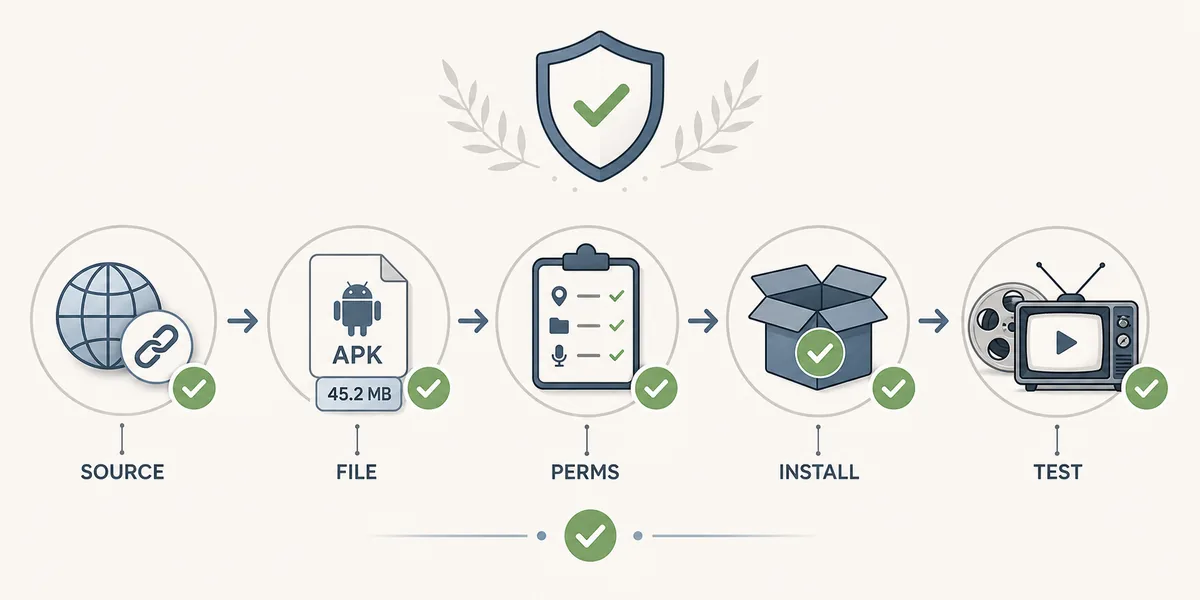
Follow this flow before downloading or updating any retro entertainment APK.
Define the content
Separate classic movies, vintage series, live channels, and nostalgia catalogs. If you need TV Clasica specifically, keep the search brand-focused.
Check the target device
Phones need Play Protect and storage checks; TVs need Downloader, USB transfer, remote support, and unknown-source permissions.
Read the file signals
Package name, version, size, permissions, update date, and comments should make sense. Be careful with premium, MOD, or no-ads claims.
Install only with a rollback plan
Keep a previous trusted version, turn off temporary install permissions afterward, and test playback before making it your main app.
Safety checklist before installing
The goal is practical: avoid clones, unnecessary reinstalls, and permissions a video app does not need.
Source and name
Prefer stable pages with visible version details and related guides; avoid aggressive shorteners.
Size and version
Large unexplained jumps in file size or version are a reason to pause and compare.
Permissions
A video app should not need contacts, SMS, or sensitive access to play content.
Rollback plan
If it fails, clear cache, reinstall from a clearer source, or switch to the correct device guide.
Where TV Clasica fits this intent
TV Clasica should not be treated as a universal answer. It fits best when classic content and Android APK setup are both part of the search.
Main page
Version, requirements, general download, and TV Clasica FAQ.
Smart TV and TV Box
Sideloading, Downloader, USB, Fire TV, Google TV, and remote-control checks.
Android phone
Mobile install, Play Protect, storage permissions, and update errors.
FAQ
Helpful safety references
- Google Play Protect explains how Android helps scan potentially harmful apps.
- Android app safety help gives context for permissions and installation sources.
Already chose TV Clasica?
Return to the main guide to review version, requirements, and download steps before installing.
Go to main downloadImportant notice
This guide is informational and does not host audiovisual content or third-party APK files. Use only sources you can verify and follow the rules that apply in your country and each service.