TCClasica100 APK: version 100, source checks, and safe install notes
TCClasica100, TVClasica100, and TV Clasica are often mixed in search results. This guide explains how to compare names, version data, compatibility, and risk signals before installing an APK.
Quick answer: treat TCClasica100 APK as a source-checking query
A search for TCClasica100 APK is usually not a simple download query. It mixes alternate spelling, TVClasica100 APK, TV CLASICA 100, and TV Box wording. The useful page is one that helps you decide whether the file name, version, package context, and source make sense.
The reviewed public listing shows TV CLASICA 100 version 100, 8.5 MB, updated February 12, 2026, and Android 5.1+ support. If another page offers a very different version, a much larger file, or a MOD promise, pause before installing.
Similar names are not proof
TCClasica100 may be an alternate spelling or typo. Compare the app name, icon, package context, and source before replacing anything.
Use facts as a baseline
Version 100, 8.5 MB, and Android 5.1+ are comparison facts, not a safety guarantee or official claim.
Avoid MOD-style mirrors
MOD, premium, and unlocked labels change the intent and often come with unclear permissions or repackaged files.
Facts checked on July 10, 2026
The clearest public reference found is an Aptoide listing for TV CLASICA 100. It is not presented as an official developer source; use it only as a comparison point.
Checklist for identifying TCClasica100 APK
Check these points before opening the APK. Streaming apps can fail because of incompatible Android versions, mismatched signatures, incomplete downloads, or modified files.
| Item | Useful reference | Practical action |
|---|---|---|
| Name | TV CLASICA 100 / TVClasica100 can appear with variant spelling. | Do not install if the page switches to an unrelated app. |
| Version | The reviewed listing shows version 100. | Look for a page that also shows date and size. |
| Size | 8.5 MB in the reviewed reference. | A very different size may indicate another file. |
| Android | Android 5.1+ is the listed minimum. | Do not force install on older systems. |
| Source | Aptoide is a checkable source, not an official claim. | Prefer pages with facts before a button. |
| Permissions | A video app needs network access, not unexplained sensitive permissions. | Cancel if SMS, accessibility, or device-admin prompts appear. |
Why this page is separate from the main TV Clasica download
The topic deserves its own guide because the query combines alternate naming, version checking, and source validation. Other variants are better handled as FAQ or internal anchors.
New page
tcclasica100 apk and tvclasica100 apk combine name, source, and version checks.
Internal anchor
tvclasica apk stays assigned to the homepage and main download page.
FAQ only
mod apk and Telegram variants are handled as safety questions, not new download pages.
Visual checks before installing
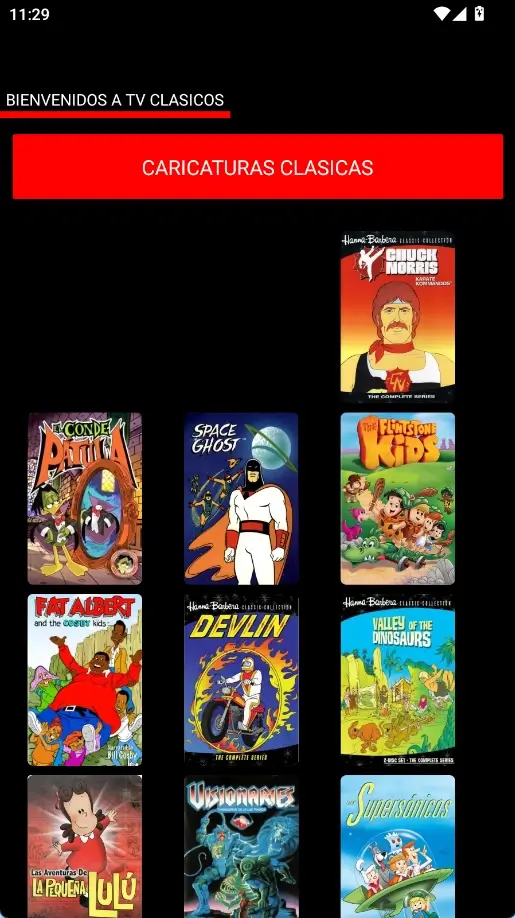
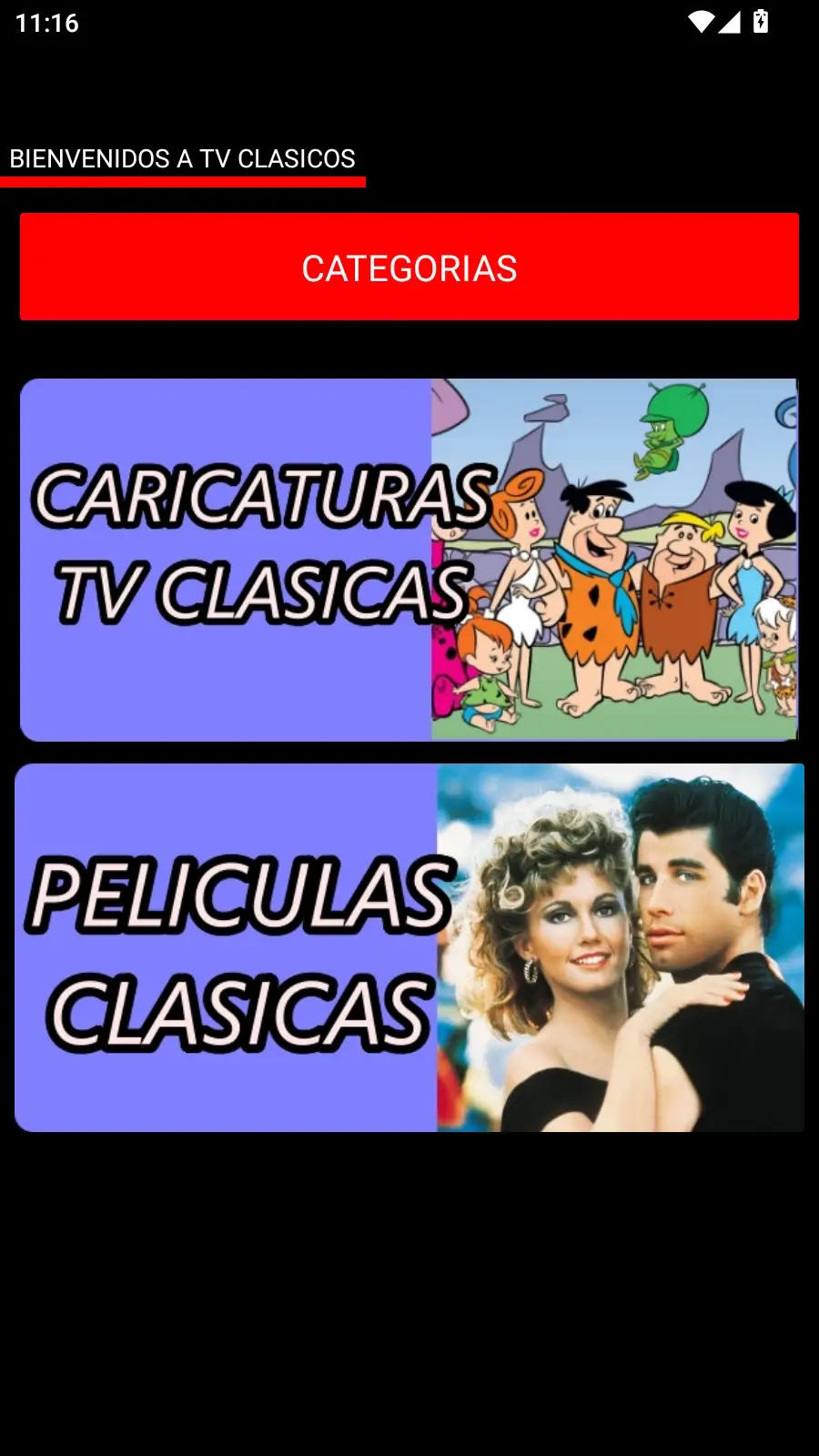
Existing screenshots are used as visual context for a classic-content app; they do not replace checking the APK listing.
How to install TCClasica100 APK with fewer risks
The install flow is familiar, but checking the source and name matters more than pressing a fast download button.
Compare the exact name
Check whether the listing says TV CLASICA 100, TVClasica100, or TCClasica100. If it changes to another app, treat it as unrelated.
Check version, date, and size
Use version 100, 8.5 MB, and February 12, 2026 as comparison facts. Do not assume compatibility that the source does not show.
Use a page with a real listing
Avoid bare direct links with no context. A useful page shows version, size, requirements, and description.
Enable unknown-source permission briefly
Allow only the browser, file manager, or Downloader app you are using, then turn the permission off.
Test on a secondary device first
If possible, test on an Android phone before moving the file to a TV Box or Smart TV.
Delete files that do not match
If Android warns about a different signature, strange permissions, or unknown package, cancel and delete the file.
TCClasica100 APK vs TVClasica100 TVBox vs TV Clasica
TCClasica100 APK
Best treated as a spelling/source-checking query for an Android APK.
TVClasica100 TVBox
Better for TV Box setup, remote control, and big-screen installation intent.
TV Clasica APK
Main brand query remains assigned to the homepage and core download page.
Common problems when searching for TCClasica100 APK
Version mismatch
Do not install only because the title looks similar. Compare version, size, date, and source first.
Signature conflict
Cancel the update if Android reports a different signature; it may be another package or a repackaged APK.
Unexpected permissions
A streaming app should not need SMS, accessibility, or device-admin permissions without a clear reason.
Old Android device
If the device is below Android 5.1, use a newer phone, TV Box, or avoid forcing the install.
TCClasica100 APK FAQ
Sources and checks
- TV CLASICA 100 on Aptoide provides the version, size, date, and Android requirement used as comparison facts.
- Google Play Protect help explains Android app safety checks and warnings.
Compare the listing before installing
Use this guide as a filter: name, version, size, source, and permissions should make sense before you open the APK.
Check verified factsLegal notice
tvclasica.blog is an unofficial informational guide. We are not the developer of TV CLASICA 100, TVClasica100, or TV Clasica. Check streaming-app legality in your region and use only sources you trust.