TV Clasica for iPhone: What Works Without Installing an APK
TV Clasica is distributed as an Android APK. We found no verifiable App Store listing for the same app. An iPhone cannot run or convert that APK; use a verified web source or a compatible casting route instead.
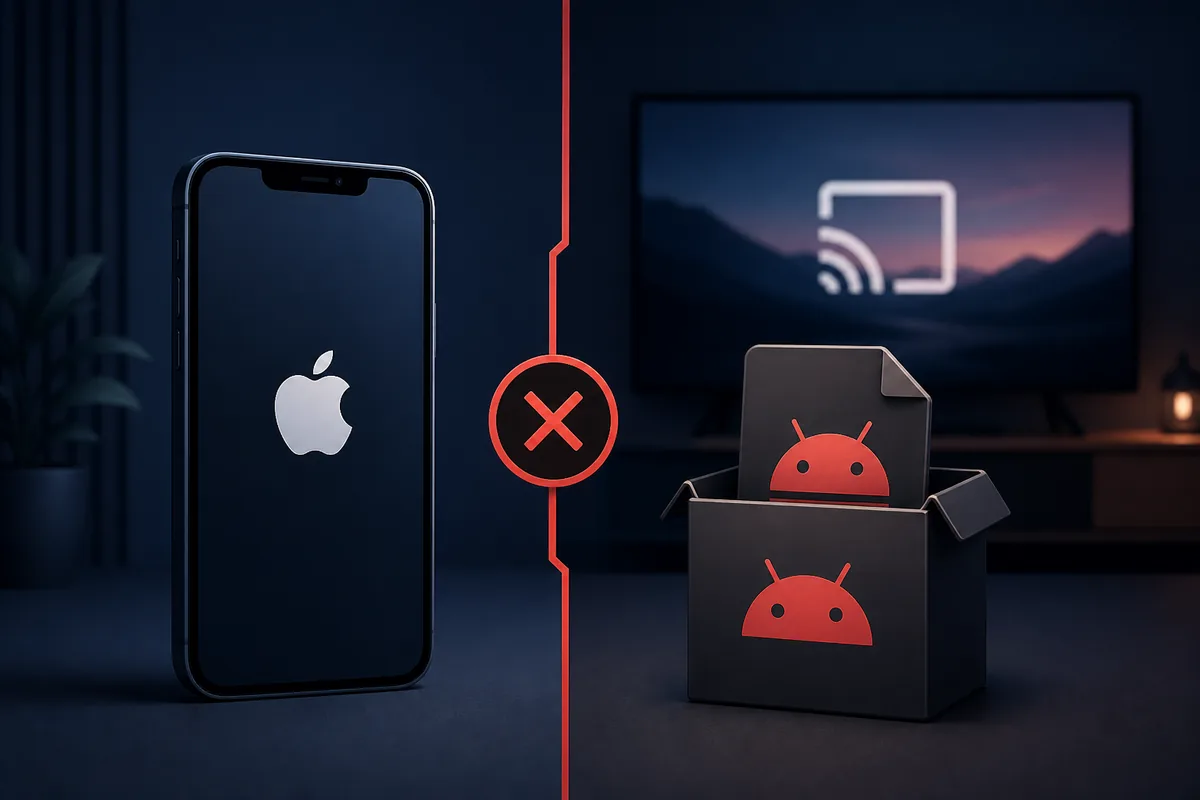
Quick answer: TV Clasica APK does not install on iPhone
APK is the Android application package format, while iPhone apps use Apple's distribution and signing system. On August 19, 2026, the external listing used by this site showed TV CLASICA 100 (external listing reference) for Android, 8.5–18.6 MB (external listings), updated May 26, 2026. It did not provide an iOS package or a matching App Store developer link.
Search results may show similarly named apps, including “Mi TV Clasica,” but a similar name does not prove product identity. Compare the developer, screenshots, privacy details, official website, and support links. This page does not provide an iPhone download button because the matching iOS app cannot be verified.
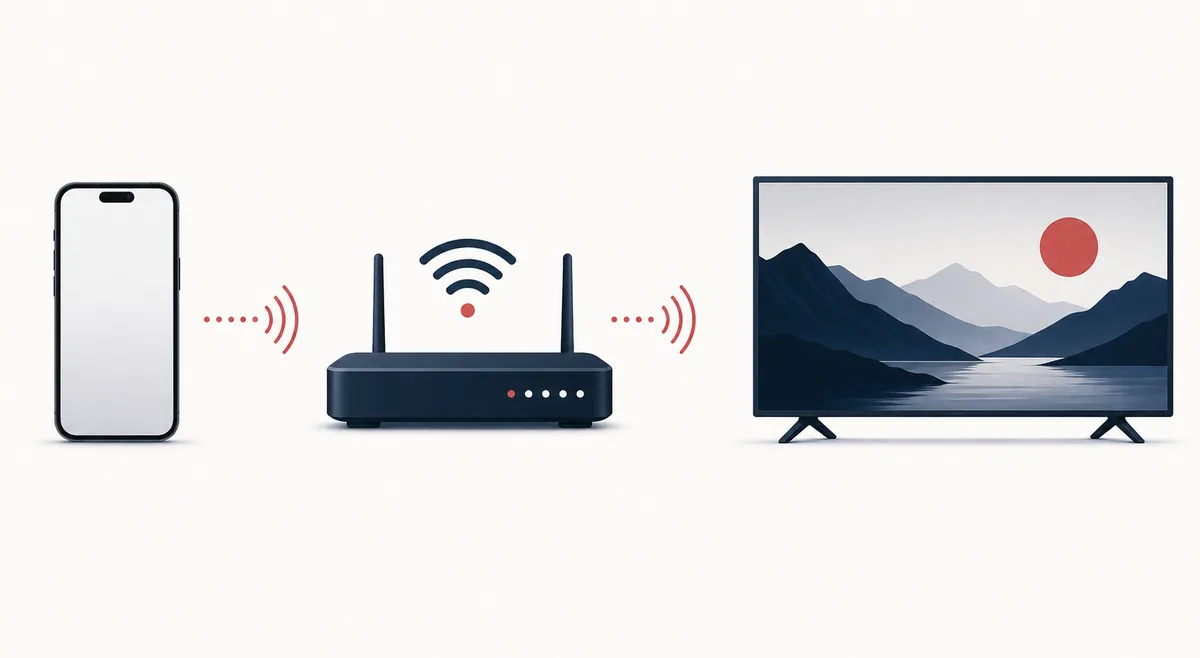
If TV Clasica already works on an Android device, screen casting may be possible when the source, receiver, and home network support it. A lawful browser-based service in Safari is another option. Neither method turns the Android APK into a native iPhone app.
Verified compatibility facts
Checked 2026-07-30. The download target remains an external store page, not a stable direct file.
Practical iPhone options
Choose the method that matches the task without weakening iOS security.
| Option | Useful when | Limit |
|---|---|---|
| Safari or an authorized web service | The content is legally available in a browser. | It is not the APK and depends on the service. |
| AirPlay or screen mirroring | Playback already works on a compatible source. | Sender, receiver, and network must support it. |
| App Store | The publisher, identity, and privacy details match. | No matching verified listing was found. |
| APK, IPA, or external profile | Not recommended. | High risk of a fake app or revoked certificate. |
How to check a safe iPhone route
Use this sequence before installing anything.
Verify identity
Check the exact app name, developer, official website, privacy policy, and screenshots. Do not rely on the icon alone.
Reject APK conversion claims
An .apk file is for Android. Renaming it or using an online converter does not produce a valid signed iOS app.
Test Safari first
When a lawful web source exists, confirm HTTPS and avoid unnecessary notification, calendar, photo, or profile permissions.
Use AirPlay carefully
Keep devices on the same trusted network, choose a known receiver, and stop mirroring after the session.
Review privacy and payments
Check subscriptions, in-app purchases, local-network access, tracking, and cancellation terms.
Compatibility and casting explained
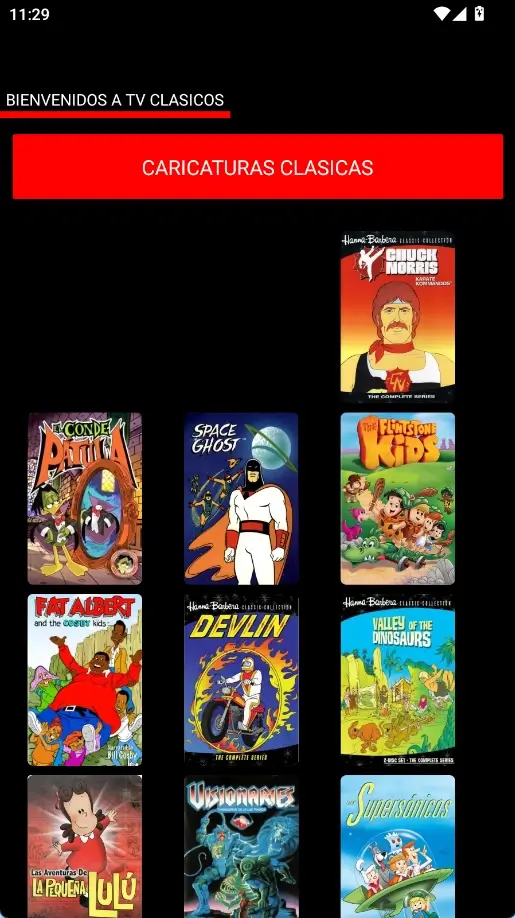
The diagrams are editorial illustrations. The real screenshot is from Android and is not evidence of an iPhone version.
TV Clasica iPhone FAQ
Verified references
- TV CLASICA listing on Aptoide — Android package, version, size, and update date.
- Apple AirPlay support — official iPhone casting instructions.
Independent information
tvclasica.blog is not the TV Clasica developer. Compatibility and listing details are informational and do not guarantee availability, security, legality, or content rights.