Is TV Clasica APK Safe? Check the File Before Installing
A responsible answer cannot come from the file name alone. This guide helps you review the source, permissions, Android warnings, and stop signals before you install a third-party APK.
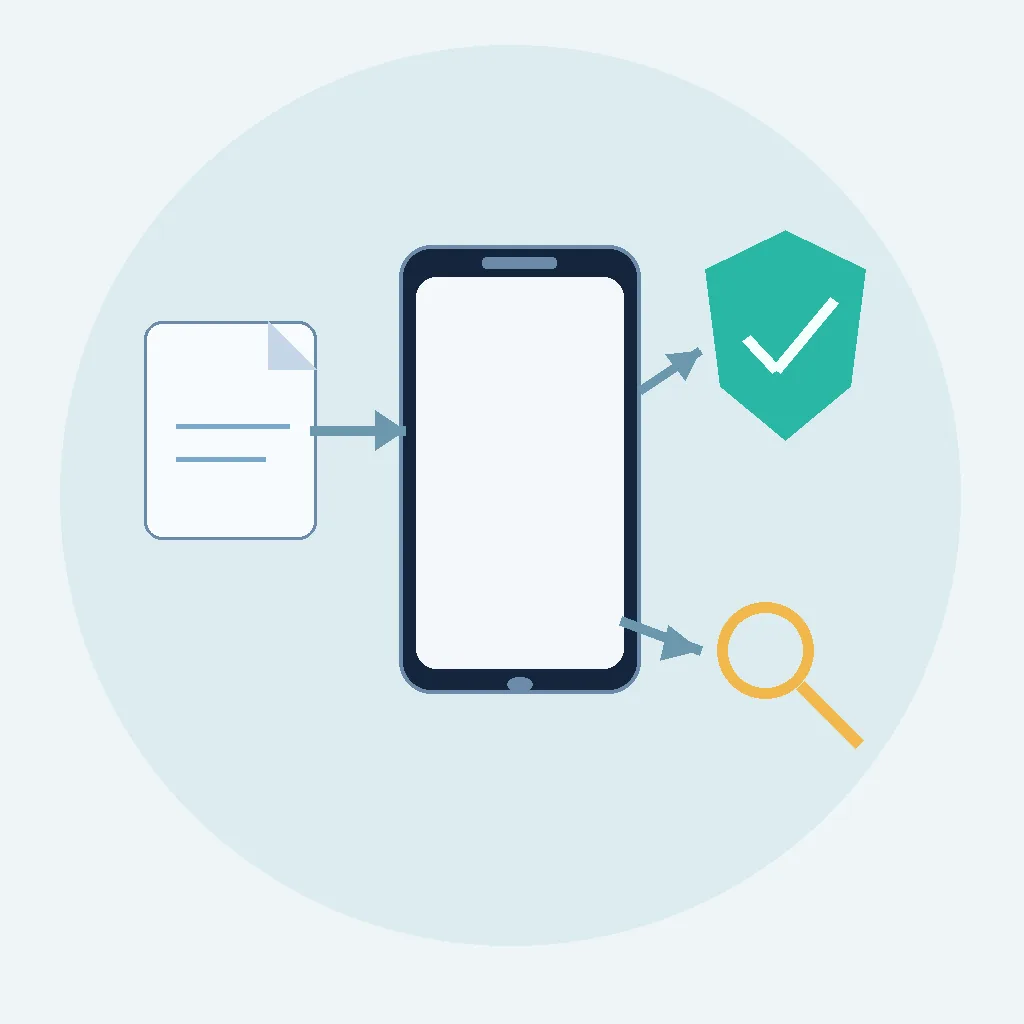
Quick answer: Is TV Clasica APK safe?
The most accurate answer is that an APK cannot be called safe without checking the specific file and the source distributing it. A forwarded, modified, or renamed APK may not be the same package another person installed. Treat a download outside an official store as unverified until you complete several checks.
If you are looking for TV Clasica APK to watch classic content on Android, separate two decisions. First decide whether the file deserves trust. Then consider whether the app and its content are legal where you live. A page that promises an APK is “100% safe” or “official” without verifiable details is not a substitute for a real review.
This guide does not inspect a file we cannot access, and it cannot guarantee that a future release is clean. It does give you a practical routine: confirm the source, review permissions and Android notices, keep Play Protect active, avoid suspicious modifications, and cancel when the file asks for something that does not fit a video app.
Decision rule
Install only when you understand the source, the package looks consistent, the permissions make sense, and the device shows no warning. If a key detail is missing, wait or choose a service with official distribution.
Source
A chat message or short link does not prove who created or modified the file.
Permissions
Network access may fit video playback, but SMS, accessibility, or device-admin access needs a strong explanation.
Exit
Stopping when Android, Play Protect, or the file raises doubts is a security decision, not a failure.
TV Clasica APK safety checklist
Run these checks before pressing Install. No single test proves safety, but several consistent signals reduce the chance of installing a modified file.
| Check | What to review | Safer action |
|---|---|---|
| Source | Identify the site, developer, or channel publishing the file. Be cautious with pages that change domains repeatedly. | Do not install if you cannot explain where the APK came from. |
| Name and extension | The file should have a sensible name and end in .apk. MOD, hack, premium, or crack labels change the risk. | Stop if the link downloads an unexpected EXE, ZIP, or heavily modified copy. |
| Date and context | Compare the date, displayed size, and update notes with a stable information page. | Do not confuse a recent message with an authentic or current release. |
| Permissions | Read the Android permission screen before accepting. Sensitive access needs a clear reason. | Reject permissions that do not match the function you need. |
| Play Protect | Watch for Android warnings or a scan after downloading the APK. | Do not disable protection just to force the installation through. |
| Behavior | Aggressive ads, unexpected redirects, accessibility requests, or unrelated installers matter. | Uninstall and review the source if the behavior does not match a video app. |
| Legality | A package can install successfully while its content is unauthorized in your jurisdiction. | Check local rules and prefer services with clear rights when available. |
Permissions tell you more than the APK name
When Android displays permissions, do not accept them automatically. The useful question is not whether a permission exists, but whether it fits the task the app performs. Internet access can be reasonable for streaming video; access to SMS, contacts, calls, accessibility, or device administration needs a much stronger explanation.
Declared permissions and real behavior are also different things. A copy may show a polished download page and then open a browser, request another installation, or hide the content behind an unrelated form. When the flow moves away from playback and starts requesting credentials, payments, or privileges, return to the verification step.
Keep a personal note of the permission screen and review Android settings after installation. If you see a request you did not expect, do not “fix” it by granting everything. Revoke the permission, uninstall the app, and look for a more transparent source.
Consistent
Network or limited storage access may have a clear relationship to playback and temporary files.
Review
Camera, location, or notifications need a specific reason and a clear way to decline.
Stop
SMS, accessibility, or device-admin access without a clear reason is a stop signal.
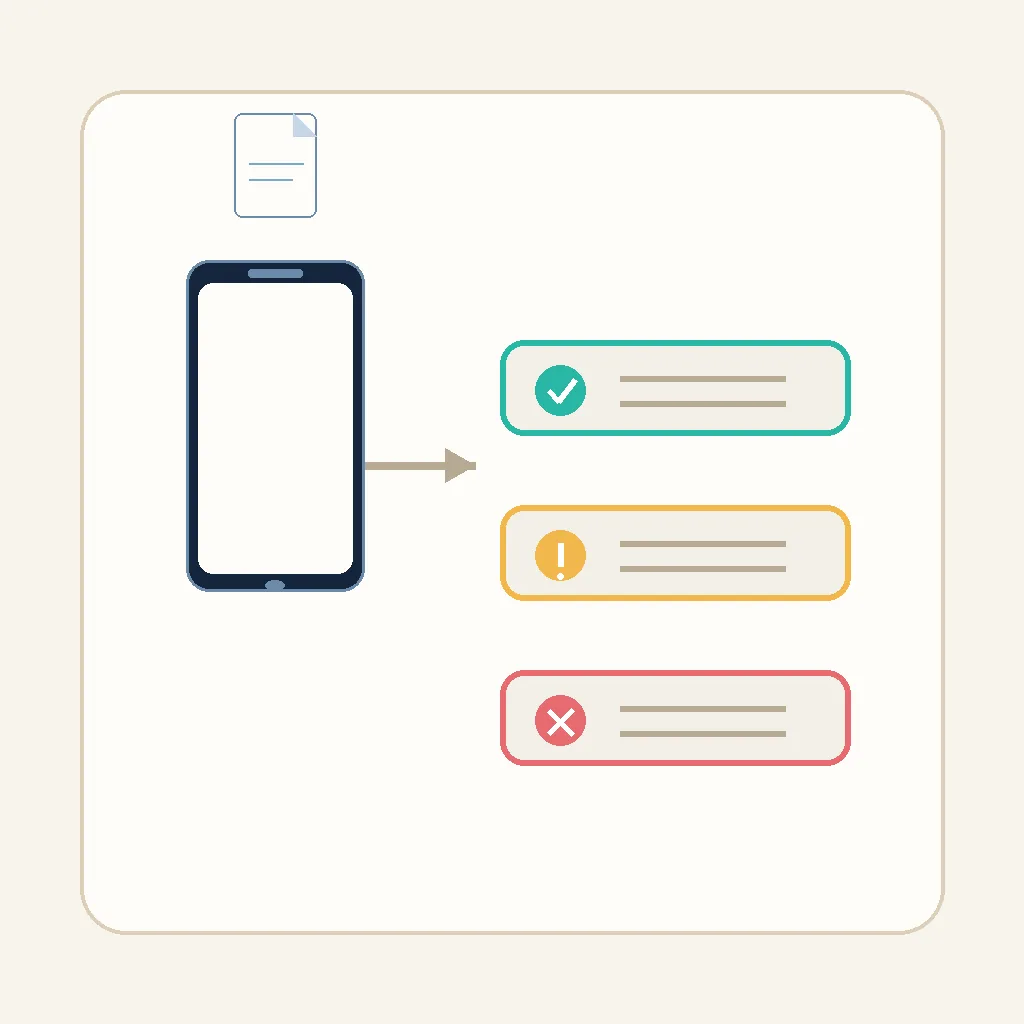
What to do before, during, and after installation
Use a short, repeatable process. Safety is not finding a reassuring sentence; it is keeping control of every step.
1. Define the need
Decide whether you need an Android app, a TV Box setup, or a legal alternative for classic content. This prevents you from downloading any file with a similar name.
2. Check the source
Open the real domain, look for a clear publisher, and avoid short links, pop-ups, and chains of redirects.
3. Review the file
Confirm the extension, name, displayed size, date, and notes. Avoid MOD, hack, premium, or ad-free variants when you cannot verify their origin.
4. Read Android and Play Protect
Review permissions, warnings, and scan results. Do not turn off device protection to hide an uncomfortable signal.
5. Test with limits
If you proceed, use an updated device, do not enter sensitive passwords, and watch the first session. Uninstall if redirects or unusual requests appear.
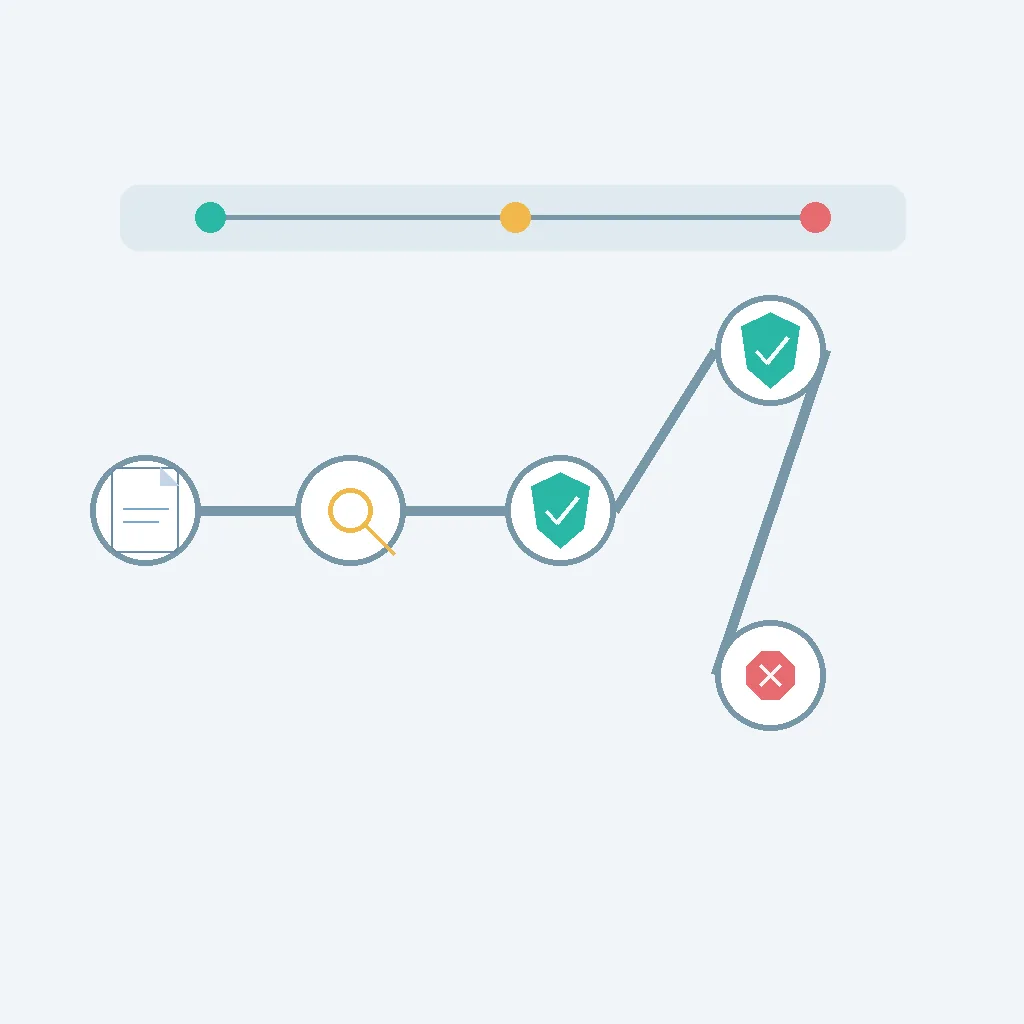
Signals that should stop the download or installation
One signal may have an explanation, but several together justify leaving. Free access is not a reason to ignore avoidable risk.
Redirect chain
The link passes through several pages, starts automatic downloads, or opens tabs you did not request.
Unexpected file
The download is not an APK, changes name, or includes another installer without explaining why.
Impossible promises
It offers premium content, accounts, hacks, or unlimited access without explaining who operates it.
Sensitive data
It requests passwords, SMS codes, payment details, or privileges unrelated to watching video.
Ignored warning
Android or Play Protect warns you and the page tells you to disable protection to continue.
Changed behavior
Aggressive ads, unusual battery use, crashes, or new apps appear after installation.
Technical safety and legality are different questions
An app installing successfully does not prove that the content it provides is authorized. Legality may depend on your country, the rights for each film or channel, the distribution method, and whether the app links to legitimate sources. This is why this page does not declare TV Clasica legal or illegal everywhere.
When a page uses words such as official, certified, or safe, look for the evidence behind the label. A polished domain does not prove the developer’s identity, and an app that plays for a few minutes does not prove that it will not collect data or change behavior later.
The cautious option is to compare official services, recognized stores, and Android documentation. If you still choose an external source, understand the risk, keep backups, and never reuse the password or account you use for important services.
Check your jurisdiction
Rules about streaming, copies, and links differ by country. General guidance is not local legal advice.
Protect your data
Do not hand over credentials or sensitive permissions for an entertainment application.
Frequently asked questions about TV Clasica APK safety
Useful references for checking an APK
- Google Play Protect Official information about app scanning and help detecting harmful behavior.
- Android help for external apps Official guidance about installing apps outside Google Play and the available controls.
- Android safety Official overview of Android security features and safer device practices.
Verify first, then decide
If you still cannot identify the source or explain the permissions, there is no need to install immediately. Return to the main guide only after you know which file you are using and why.
Open the main guideImportant notice
This page is informational and does not certify any specific APK. We did not inspect third-party files and cannot guarantee security, availability, or legality. Verify the source, keep Android updated, follow local laws, and seek professional help if you suspect an infection or data loss.