Klassische Filme und Retro-Serien APK: auswählen, installieren, Risiken vermeiden
Wenn du eine APK für alte Filme, Vintage-Serien oder Retro-TV suchst, installiere nicht einfach die erste Datei. Dieser Guide trennt Inhalt, Gerät und Sicherheit, damit du TV Clasica sinnvoll einordnen kannst.
Kurzantwort: Was eine Retro-APK-Suche bedeutet
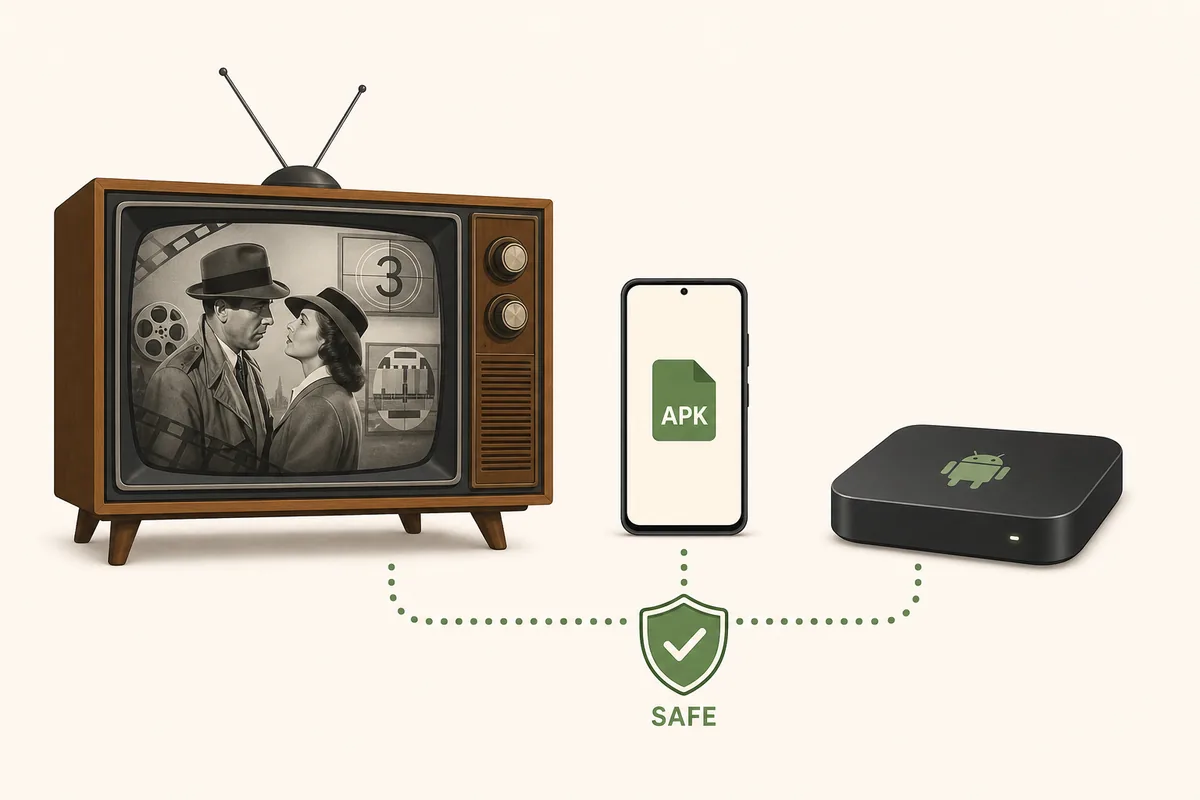
Meist geht es um eine leichte Android-App für alte Filme, klassische Serien oder nostalgische Kanäle auf Handy, Smart TV oder TV Box. TV Clasica passt, wenn klassische Inhalte und manuelle APK-Installation zusammenkommen.
Das Hauptrisiko ist die Datei. Entertainment-APKs können verändert sein, zu viele Rechte verlangen oder instabile Kataloge versprechen. Nutze diese Seite als Filter vor dem Download.
Inhalt zuerst
Kläre, ob du Filme, Live-Kanäle, alte Serien oder einen gemischten Katalog suchst.
Richtiges Gerät
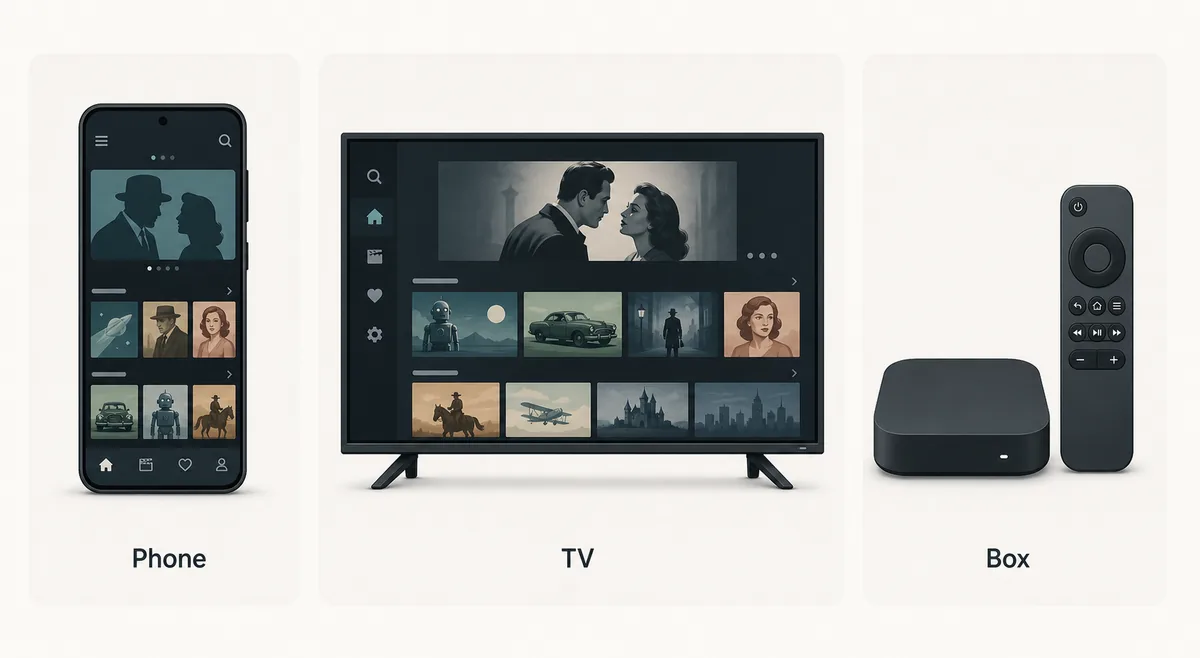
Handy, Android TV, Fire TV, Google TV und TV Box verhalten sich unterschiedlich.
Prüfbare Quelle
Prüfe Name, Version, Größe, Berechtigungen und Reputation vor der Installation.
Wichtige Punkte vor der Auswahl
Nutze diesen Guide als Vorabfilter. Wenn du TV Clasica gewählt hast, gehe zur Hauptseite zurück.
Welche Seite oder Aktion passt zur Suche
Nicht jede Retro-APK-Suche braucht eine neue Installation. Diese Tabelle hilft beim nächsten Schritt.
| Bedarf | Beste Aktion | Grund |
|---|---|---|
| I want TV Clasica APK for classic content | Use the main page | The intent is download, version, and general TV Clasica setup. |
| I want retro movies on a phone | Use the mobile guide | You need Android permissions, Play Protect, storage, and install-error checks. |
| I want it on Smart TV or TV Box | Use the Smart TV guide | The hard part is sideloading, remote control, and Android TV compatibility. |
| I searched for a generic retro APK | Use this checklist | Compare source, permissions, catalog claims, and risks before installing. |
So prüfst du eine APK für klassische Filme
Folge diesem Ablauf vor Download oder Update einer Retro-Entertainment-APK.
Define the content
Separate classic movies, vintage series, live channels, and nostalgia catalogs. If you need TV Clasica specifically, keep the search brand-focused.
Check the target device
Phones need Play Protect and storage checks; TVs need Downloader, USB transfer, remote support, and unknown-source permissions.
Read the file signals
Package name, version, size, permissions, update date, and comments should make sense. Be careful with premium, MOD, or no-ads claims.
Install only with a rollback plan
Keep a previous trusted version, turn off temporary install permissions afterward, and test playback before making it your main app.
Sicherheitscheck vor der Installation
Vermeide Klone, unnötige Neuinstallationen und Rechte, die eine Video-App nicht braucht.
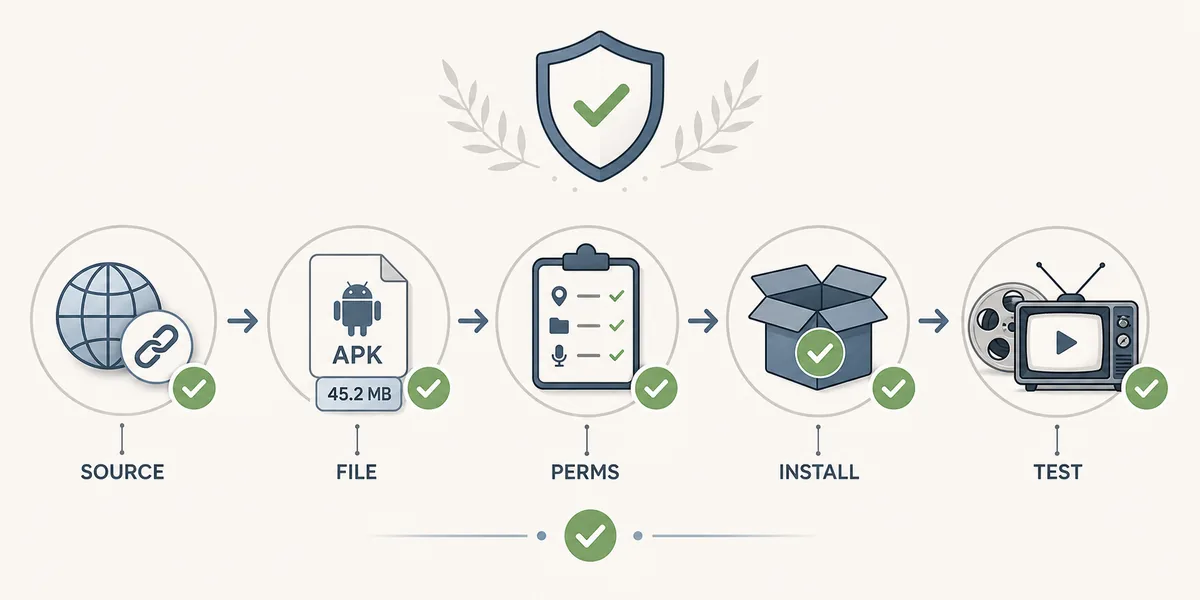
Source and name
Prefer stable pages with visible version details and related guides; avoid aggressive shorteners.
Size and version
Large unexplained jumps in file size or version are a reason to pause and compare.
Permissions
A video app should not need contacts, SMS, or sensitive access to play content.
Rollback plan
If it fails, clear cache, reinstall from a clearer source, or switch to the correct device guide.
Wo TV Clasica zu dieser Suche passt
TV Clasica passt am besten, wenn klassische Inhalte und manuelle Android-APK-Installation zusammenkommen.
Main page
Version, requirements, general download, and TV Clasica FAQ.
Smart TV and TV Box
Sideloading, Downloader, USB, Fire TV, Google TV, and remote-control checks.
Android phone
Mobile install, Play Protect, storage permissions, and update errors.
FAQ
Helpful safety references
- Google Play Protect explains how Android helps scan potentially harmful apps.
- Android app safety help gives context for permissions and installation sources.
TV Clasica schon gewählt?
Gehe zum Hauptguide zurück, um Version, Anforderungen und Schritte vor der Installation zu prüfen.
Zum HauptdownloadWichtiger Hinweis
Dieser Guide ist informativ und hostet keine audiovisuellen Inhalte oder APKs Dritter. Nutze überprüfbare Quellen und beachte geltende Regeln.