Which APK Is Best for Free TV in Argentina? 2026 Guide
There is no single APK that fits every viewer. This guide separates live channels, classic content, device support and download safety so you can compare before installing an unknown or modified file.
Short answer: choose by use case, not by the word APK
The question “which APK is best for free TV in Argentina” combines several searches. Some people want live channels, others want classic movies, an Android TV app or a simple mobile option. A single recommendation can easily promise more than it can verify.
A careful comparison starts with an identifiable source and visible version information. TV Clásica may fit viewers mainly looking for classic content and an Android installation, but it should not be presented as a universal solution or a guarantee of premium channels.
Use the table below as an editorial filter. High search volume does not automatically mean safe software, and a low keyword difficulty score does not make an unknown APK trustworthy.
Live channels
Look for a legal or clearly identified source and confirm which channels are actually available in Argentina.
Classic content
TV Clásica is more relevant when the goal is classic content, not an unverified list of every channel.
Real device
A mobile-friendly option may be awkward on a TV Box; check remote navigation, Android and permissions.
Traceable source
Validate package name, version, file size, date, permissions and a way to roll back before installing.
Guide at a glance
Catalogs, servers and requirements can change. This comparison does not confirm broadcast rights or turn a third-party listing into an official source.
Comparison: which path fits your search?
The right next step depends on intent and available evidence. Use this table to choose a path, not to assume every APK offers the same content.
| Need | Reasonable path | What to verify |
|---|---|---|
| Argentine live channels | An official service or a clearly sourced platform | Available channels, country, permissions and terms. |
| Classic movies, series or cartoons | TV Clásica or an identifiable catalog service | Actual content, Android compatibility and version date. |
| Android TV or TV Box | An app that supports remote-friendly navigation | Minimum Android, sideloading, storage and landscape layout. |
| Trying an unknown APK | Do not install until the checklist is complete | Package, size, source evidence, permissions and uninstall plan. |
| Finding the latest release | Check the version guide and available source | Do not confuse version name, version code, listing date and file size. |
Choose the path that matches your goal
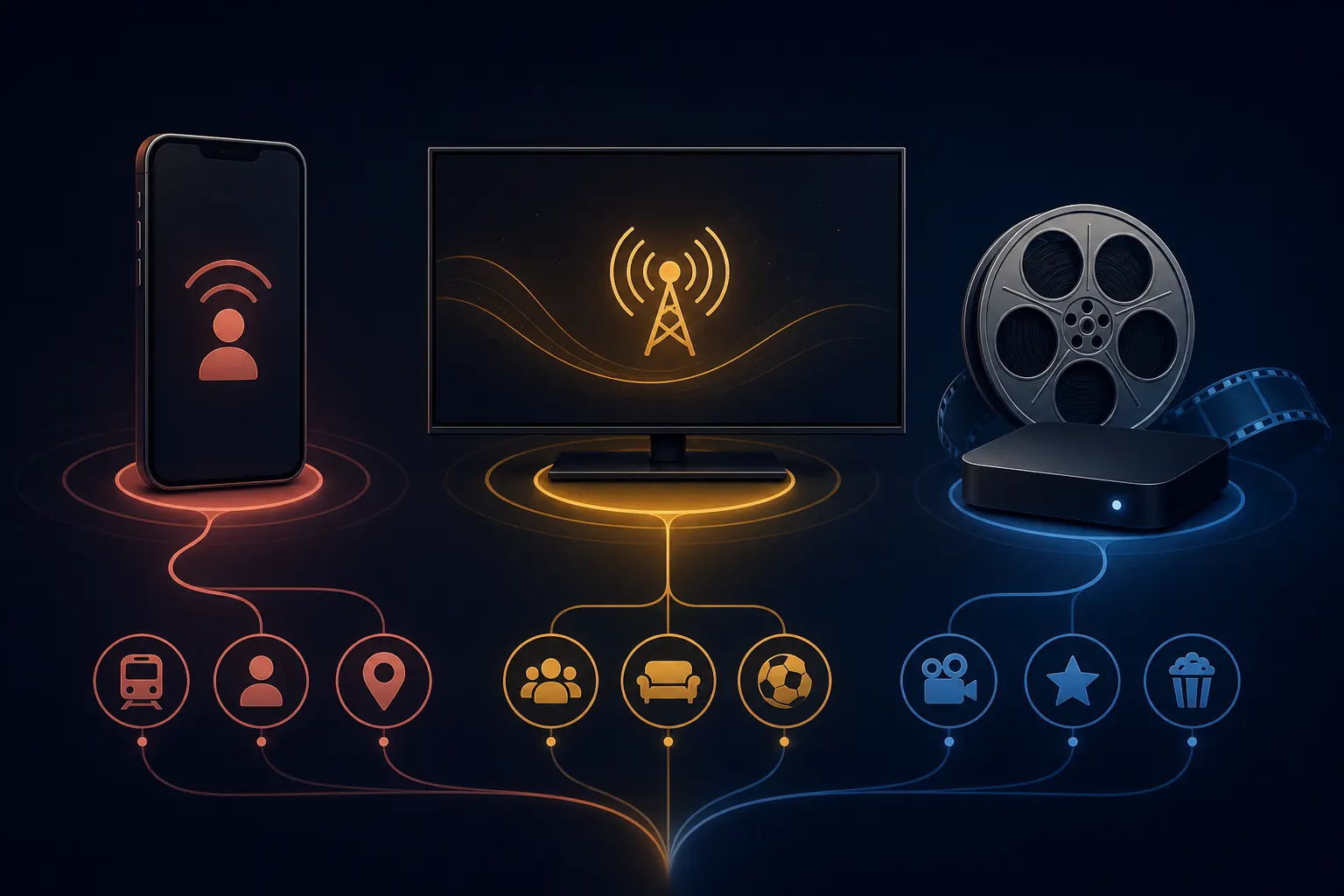
These routes keep a download query separate from a compatibility or content question.
Live TV
Prioritize services with visible programming, country coverage and source information. Do not promise every channel without evidence.
Classic content
TV Clásica is a closer match when you want classic movies, series or cartoons and a simple Android experience.
Smart TV
Check whether the television uses Android TV or Google TV. A non-Android Smart TV does not install APKs like a TV Box.
Mobile
Start with Play Protect, storage and minimal permissions. Test playback before making it your main app.
Where TV Clásica fits in this comparison
TV Clásica is a themed option in the map, not an automatic answer to every free-TV search.
Define the content
If you want classics and nostalgia, the thematic match is stronger than if you need sports, premium channels or a universal lineup.
Check the device
Mobile Android emphasizes permissions and storage; a TV Box also needs remote control, orientation and a sideloading method.
Read the listing carefully
Do not mix commercial name, version name, version code, size and date. Differences between sources must remain visible.
Update cautiously
Keep a rollback path and do not install a MOD variant over another release without checking signature and source.
Freshness check completed on August 19, 2026: the Aptoide listing reviewed showed TV CLASICA, version 100, 8.5 MB, package com.worldtv2.tvclasica and a listing update dated June 20, 2026. This project currently shows 100 (external listing reference), code 100 and 8.5–18.6 MB (external listings). Because a first-party official release could not be confirmed and the size could not be reconciled, this guide does not call either set of values the latest official release. The listing is retained only as an informational fallback, not as a direct file link.
Checklist before installing any APK
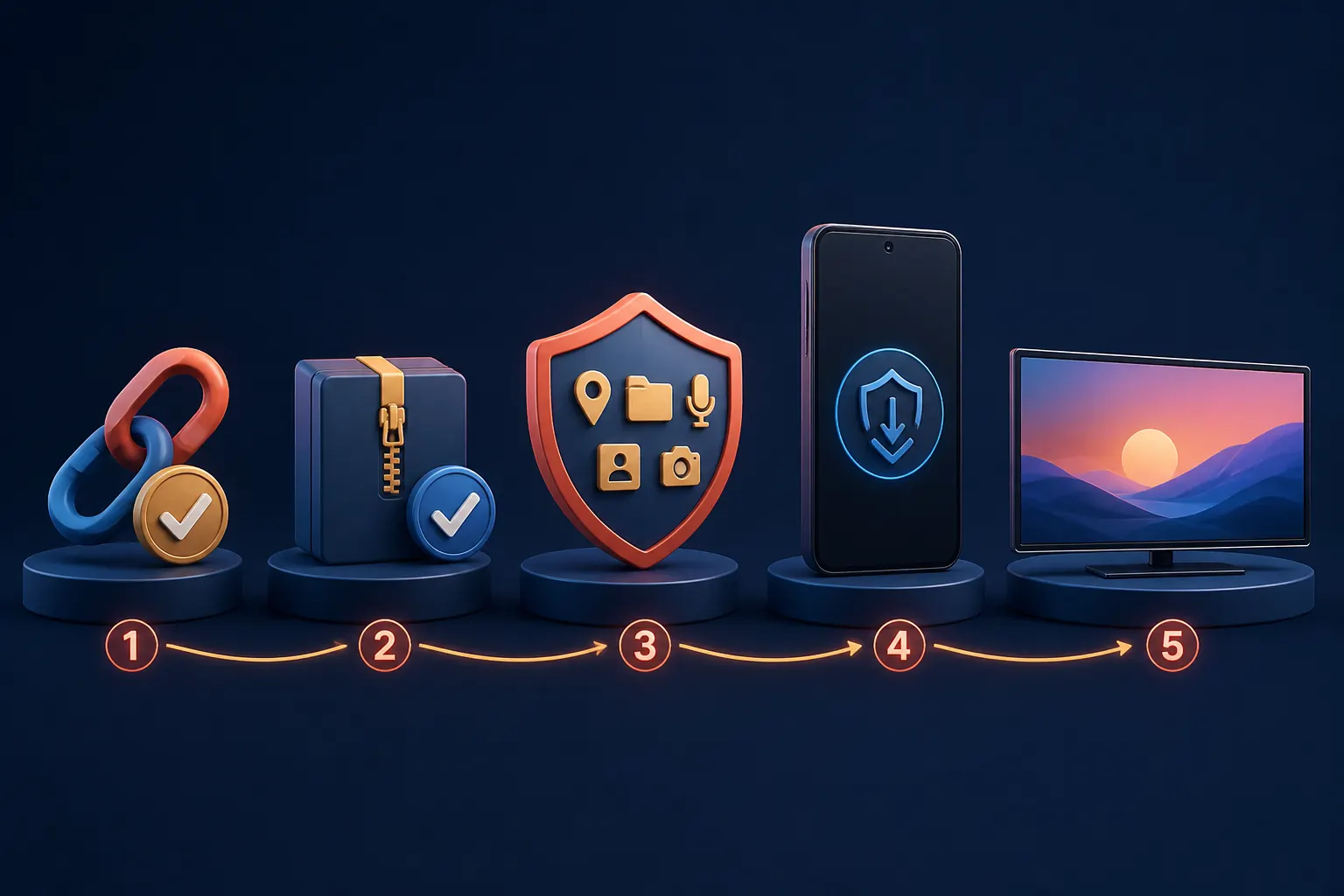
A useful comparison must also tell you when not to download. Stop if the source, package or permissions do not have a coherent explanation.
Visible source
Prefer a page with a name, version, date and context. Be careful with aggressive shorteners, pop-ups and changing destinations.
Coherent file
Compare extension, size, package and version. An unexplained size jump is a reason to pause, not install.
Minimal permissions
A video app may need network and storage, but contacts, SMS or sensitive access need a verifiable reason.
Rollback plan
Enable installation only when you can uninstall, clear data and return to a clearer source if something fails.
Short test
After installation, test navigation and playback briefly before granting more access or replacing another app.
No MOD by default
Premium free, no ads and all channels are claims, not proof of legitimacy or safety.
Frequently asked questions about TV APKs in Argentina
Useful sources and checks
- Google Play Protect explains how Google helps detect potentially harmful applications.
- Android permissions documentation helps explain why an app requests access to certain functions.
- Reviewed source listing is a third-party Aptoide listing retained for freshness context, not a confirmed official release or direct file.
Was your search about TV Clásica rather than a generic APK?
Open the main page for download context, or use the device guides before installing.
Open the main pageEditorial notice
This comparison is informational. It does not host channels, guarantee broadcast rights or turn third-party listings into official sources. Follow Argentine law, each service’s terms and applicable content licenses.